
STAR WARS Zero Company has four standard Weapon Classes: Blaster Rifle, Repeater, Blaster Pistol and Longarm Blaster. EA Help now publishes their base damage, critical bonus, critical chance, range and AP behavior, so the choice can be compared without guessing from cosmetics.
Start with the weapon’s action cost
A weapon choice changes what an operator can do with a three-AP turn. These are the official class baselines; an equipped item, mod or later progression can add details that the table is not claiming to replace.
| Weapon Class | AP behavior | Damage | Critical | Range |
|---|---|---|---|---|
| Blaster Rifle | First shot 1 AP; later shots 2 AP | 10 | +6 · 5% | Medium |
| Repeater | Variable; more AP increases Rapid Fire damage | 8 | +4 · 5% | Medium |
| Blaster Pistol | 1 AP per shot | 6 | +4 · 5% | Short |
| Longarm Blaster | 2 AP per shot | 12 | +12 · 5% | Long |
Scroll horizontally to see the whole table.
The Blaster Rifle’s first shot costs 1 AP and later shots in the same turn cost 2 AP. The Pistol costs 1 AP per shot, while the Longarm costs 2 AP per shot. Repeater damage scales with the AP committed through Rapid Fire, so “8 base damage” is not its entire attack result.
Consider the position from which you intend to fight. A useful loadout supports a plan for range, sightlines and cover. The official material establishes the four categories, but not a complete public damage spreadsheet for every weapon. Use the in-game item details to settle a specific comparison and see which weapon fits your planned turn.
Match the weapon to the intended role
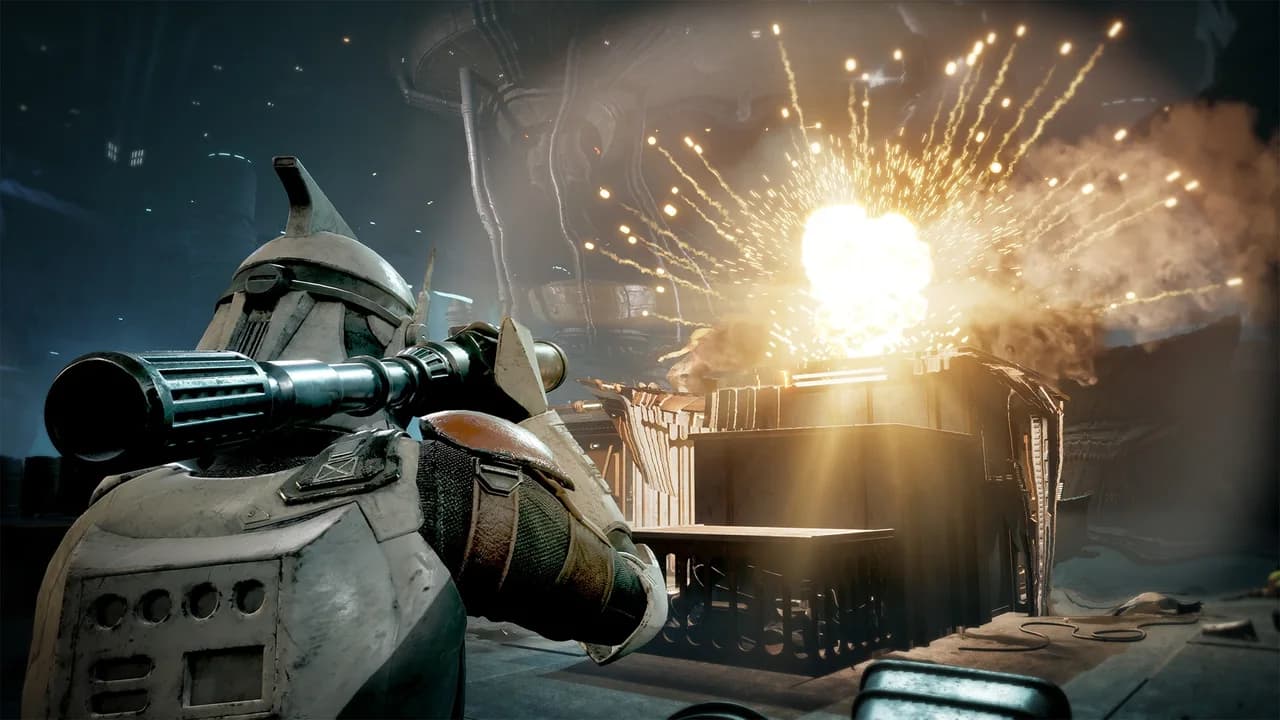
EA’s playstyle guide pairs a Blaster Rifle with Soldier or Assault for a straightforward first build, a Repeater with Gunslinger, Soldier or Heavy for offensive pressure, a Longarm with Sharpshooter for long range, and a Pistol with Assault or Gunslinger for mobility. These combinations explain the trade-off; they are not a promise that other pairings are invalid.
Check the sequence you need. A Pistol leaves more room for movement or abilities, a Longarm asks you to establish position before its 2-AP shot, and a Repeater rewards committing AP to the attack. Then compare that plan with the operator’s Standard and Ultimate abilities.
Mods, utilities and the Armory
The Armory handles weapons, modifications and utilities. Upgrades add mod slots, while Specialization influences how many utilities an operator can carry. A change to the operator’s role is therefore a reason to look at the loadout again, not merely switch the class label and deploy.
The Black Market sells equipment for Credits. In Arekkz Gaming’s preview, utilities are highlighted as items worth remembering during base preparation. Treat that as a reminder to inspect the available tools; it is not proof that a particular purchase is always mandatory or best value.
Before a mission, review your available slots, the actual item effects and what the rest of the team already covers. This keeps equipment choices connected to the squad instead of evaluating each operator in isolation.
Cosmetics do not mean stronger weapons
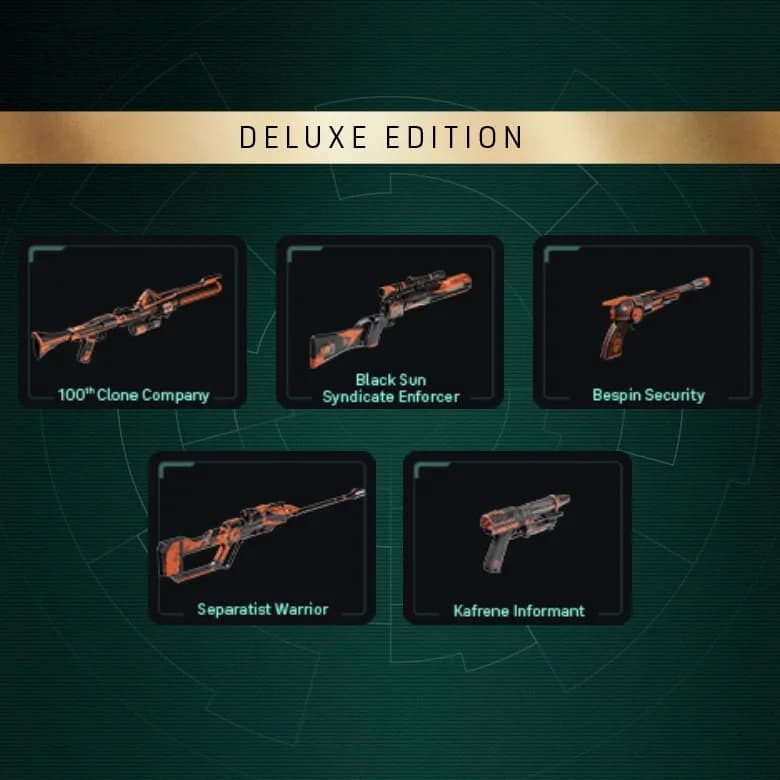
Deluxe Edition includes painted weapon themes and other cosmetic packs. These are not described as a stronger-stat edition or an additional story campaign. Likewise, outfits and species do not provide inherent statistical bonuses.
Separate a weapon’s functional category and mods from its appearance. If you are trying to find an owned bonus appearance, first distinguish Deluxe content from the separate eligible pre-order entitlement. The edition guide covers the ownership conditions and official unlock instructions.
A practical loadout check
Ask whether each operator can carry out the intended turn, whether utilities cover a useful need and whether the squad has duplicated one role at the expense of another. Those questions follow the game’s equipment and class systems; they are not a claim that one exact build beats every mission.
Use combat fundamentals for AP, cover and Overwatch, then Specializations for the role you are equipping. Equipment is most useful when those decisions agree.